
PRODUCT FINDS, GUIDES & TOOLS
USFans Spreadsheet.
Find products on GoodsVero. Know what to check before you order.
Product search opens GoodsVero
FIND, CHECK, REVIEW, SHIP
Read the full walkthrough From product finds to parcel plans.
01 · FIND
Browse products.
Search GoodsVero or choose a category to find products.
Browse GoodsVero02 · CHECKCheck the seller link.
Save the original seller URL and the option you want to order.
Read the link guide03 · REVIEWReview your QC photos.
Compare warehouse photos with your order and ask about anything unclear.
Read the QC guide04 · PLANPrepare your parcel.
Check packed weight, dimensions, packaging and shipping terms.
Read the shipping guideSHOP BY CATEGORY
Browse all products What are you looking for?
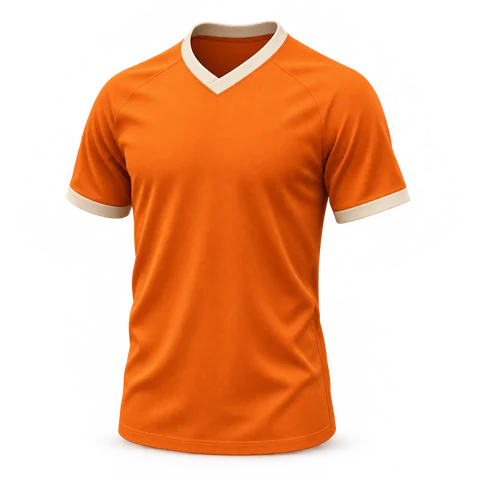
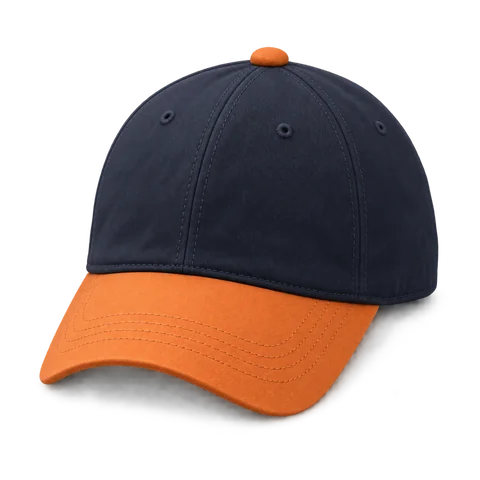
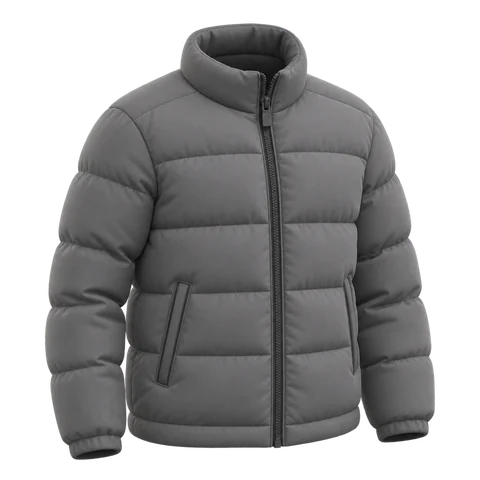
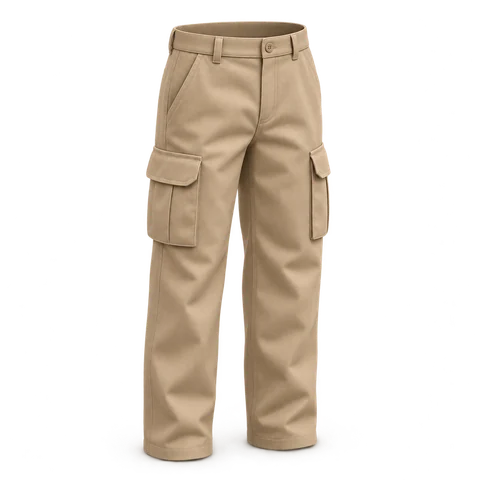
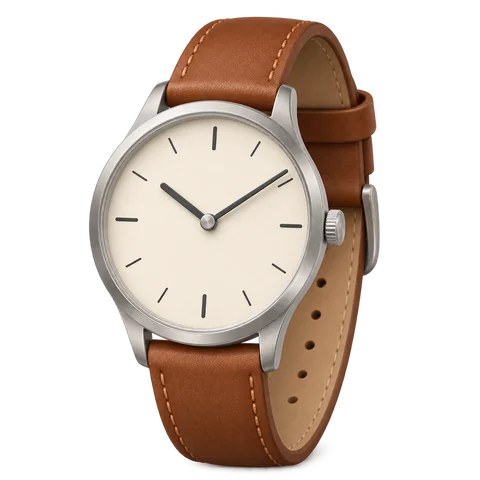
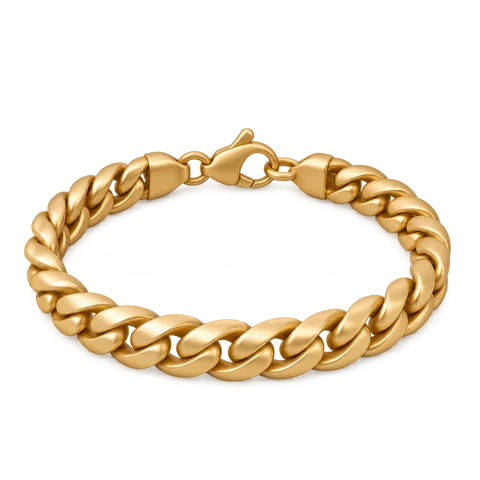
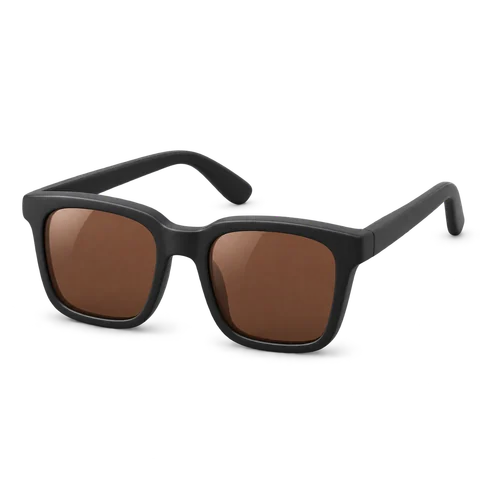
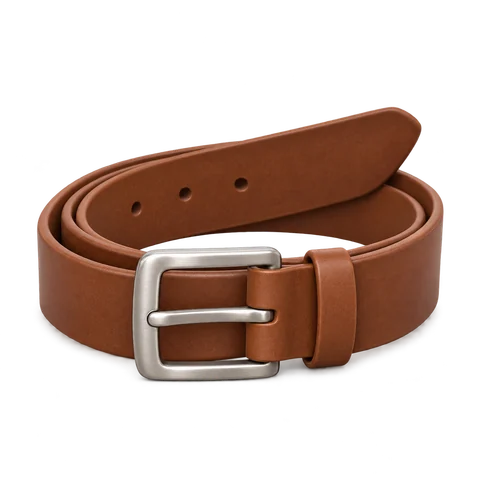



THE SPREADSHEET, EXPLAINED
What is a USFans spreadsheet?
A USFans spreadsheet brings together product finds, seller links and reference prices to help you plan an order. Entries often include photos and options from marketplaces such as Taobao, Weidian and 1688. Check the current listing before choosing a size, color or version.
Choose a category to browse products on GoodsVero, or start with a buying guide. Our guides and tools explain seller links, QC photos and parcel planning so you know what to check at each stage.
01
This website
Buying guides, category advice and tools for planning your order.
02
GoodsVero
Search products and compare current listings and options.
03
USFans
The purchasing agent for orders, warehouse checks and international shipping.
Save these details with every find.
Official USFans guideOriginal seller link
Save the full seller URL so you can reopen the exact marketplace listing.
Read the link guideSize, color and version
Save your size, color and version, then compare the relevant measurements.
Category buying guidesReference price
Check the option and currency, then budget separately for delivery and other charges.
Understand product pricesPhoto source
Use seller pictures to choose an item and your own warehouse photos to review what arrived.
Seller photos and QCTOOLS FOR YOUR NEXT STEPTools for links,
Tools for links,
QC and shipping.
Check a seller URL, review order photos, compare parcel weights or add up your known costs.
View all toolsREAD BEFORE YOU ORDERUSFans buying guides.
USFans buying guides.
Step by step.
Learn what to check when choosing products, placing an order and preparing a parcel.
Read all guides01
4 min read
02How to use a USFans spreadsheet
Find products on GoodsVero, save the original seller link, and follow your USFans order from checkout to warehouse photos and shipping.
4 min read
03How to check USFans product links
Find the marketplace and item ID in a seller URL, tell it apart from a catalog link, and check the product before ordering through USFans.
4 min read
04USFans costs: from item price to shipping
Compare the version you want, separate item and parcel costs, and keep unknown amounts visible when planning your USFans shopping budget.
4 min read
05USFans QC photos: what to check before shipping
Compare your USFans warehouse photos with the item you ordered, check the visible details, and note any questions before approving shipping.
4 min read
USFans shipping weight: actual vs volumetric
Compare actual and volumetric weight with a worked example, then check your route's divisor, packaging, rounding rules, and shipping quote.
COMMON QUESTIONS
About this guide USFans spreadsheet FAQ.
What is a USFans spreadsheet?
A USFans spreadsheet is a list of product finds with seller links, photos, options and reference prices. It helps you compare items before ordering through a purchasing agent. This website pairs category shortcuts with practical buying guides.
Where is the USFans spreadsheet link?
Open “Spreadsheet” to learn how the product catalog and buying process work. Choose “Browse GoodsVero”, search for a product or select a shopping category to browse current listings on GoodsVero.
What does 20,000+ product options mean?
The figure refers to options in the linked GoodsVero catalog, including different sizes, colors and versions. Check the product listing for the choices, price and availability that apply to your order.
Which tools can I use here?
You can use a QC photo checklist, a seller-link format checker, a parcel-weight calculator and a cost planner. Your inputs stay in the browser. Calculations help with planning; your purchasing service provides the final quote.
Is this the official USFans website?
No. usfansfans.com is an independent guide. USFans is a separate purchasing agent that manages its own accounts, orders, warehouse services and shipping.
Are the category pictures real product photos?
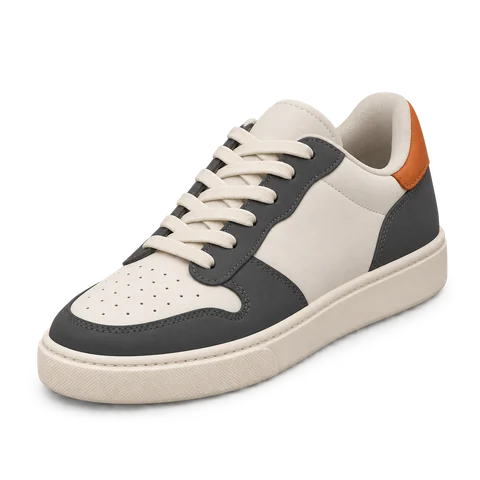
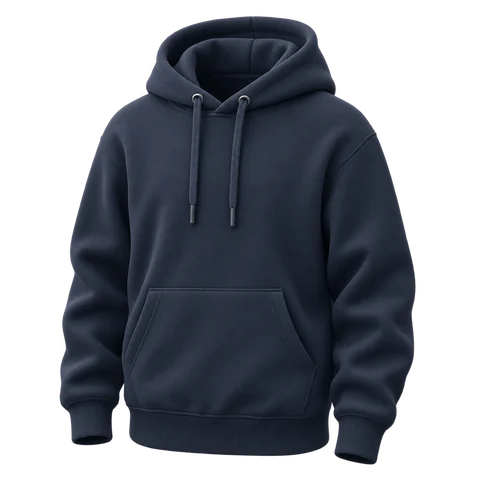
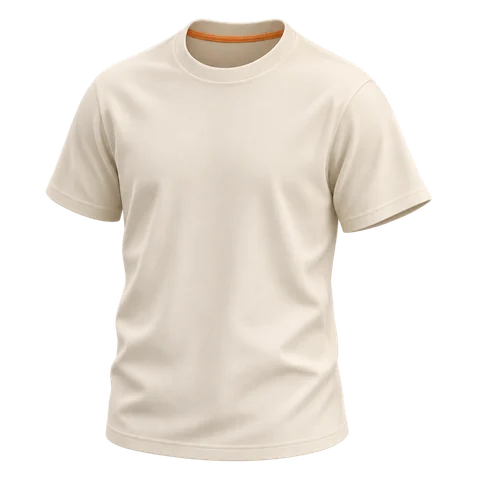
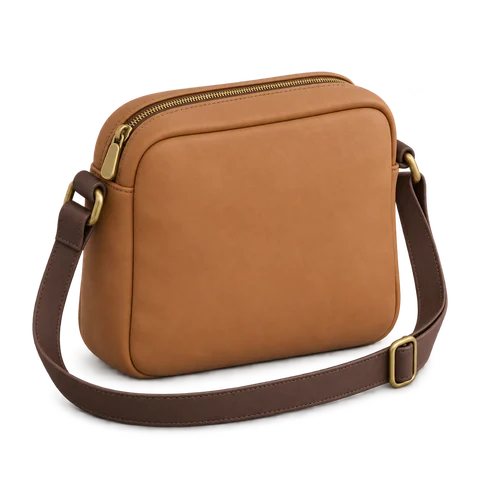
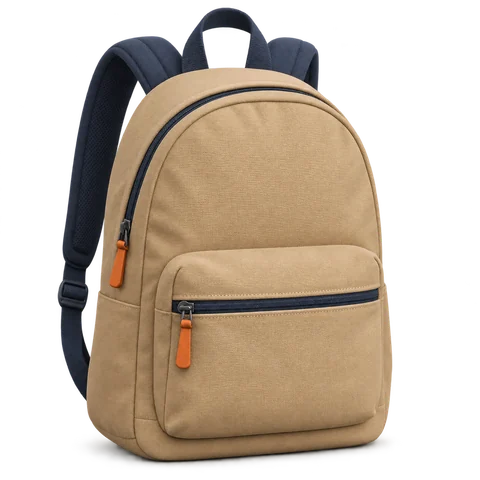
The category pictures are 3D illustrations that help you choose an item type. View listing photos on GoodsVero and review warehouse photos for your own order through your purchasing service.
Does the product price include international shipping?
Check the listing and your agent’s order breakdown. Delivery within China, service or payment fees, international shipping and destination charges may be separate from the item price.
How do I use a product link with USFans?
Open the product on GoodsVero and look for its original marketplace link. Save the full seller URL, then follow the official USFans purchasing instructions. Check the loaded item, size, color and price before submitting an order.
EXPLORE ON GOODSVERO
Browse GoodsVero Find your next pick.
Explore current products and options on GoodsVero.